


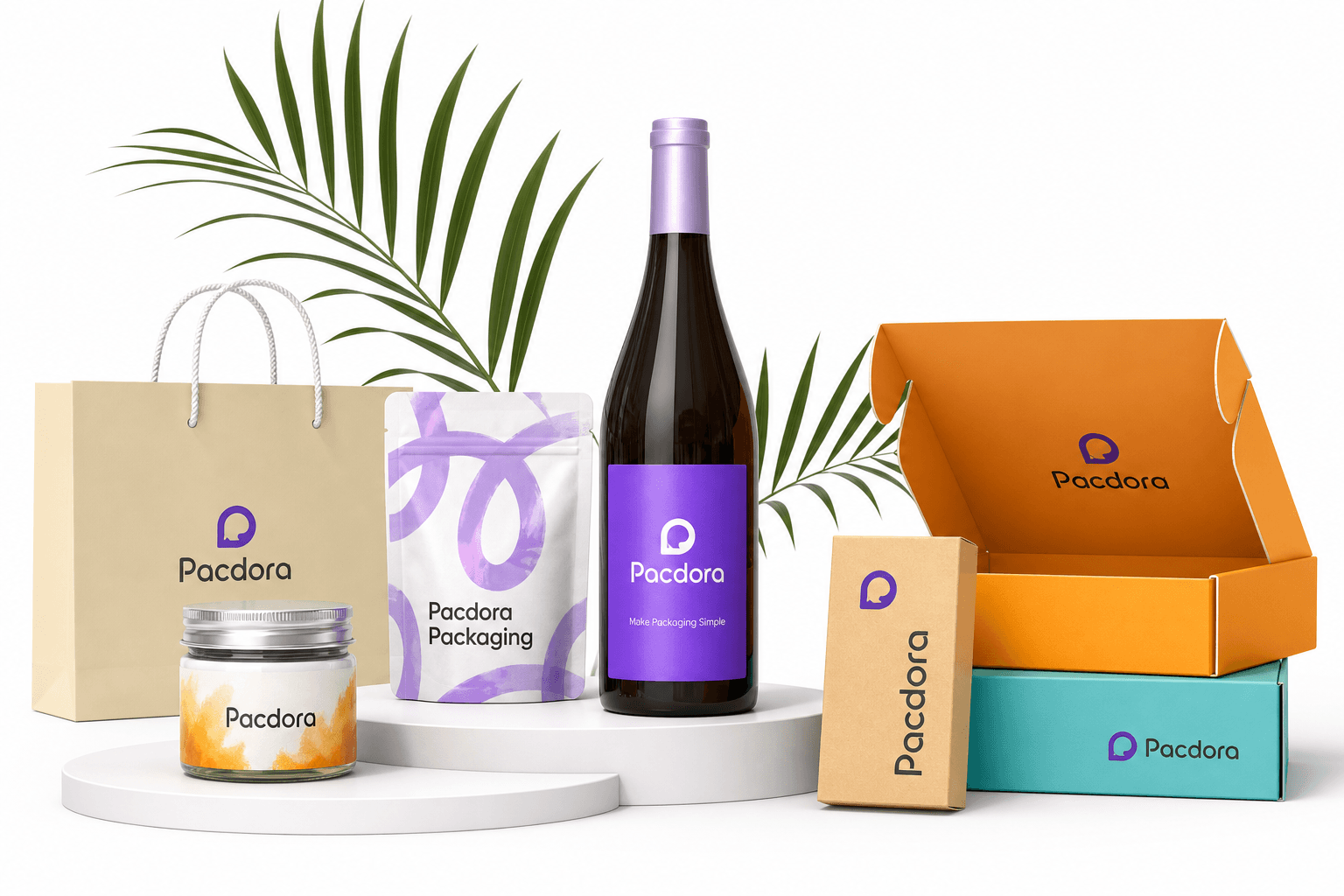
#1
Pacdora
- Our Score
- 10/10
- Best For
- Packaging & dielines
- Primary Use
- 3D packaging mockup
- 3D Mockups
- Yes
- Dielines
- Yes
- Free Plan
- Limited
- Starting Price
- Pro yearly + DGET
- Notable Feature
- Box dieline template
We compared packaging, mockup, logo, and print-on-demand design tools the way creators actually use them: export quality, dieline accuracy, 3D preview speed, and whether you need a paid plan. Rankings reflect features, pricing, and workflow fit as of July 2026.
Overwhelmed by options? We lined up the key differences for packaging, mockups, logos, and print workflows. Use this table to spot which tools fit your job, then read the full reviews below.


| Spec | | | | | | | | | | |
|---|---|---|---|---|---|---|---|---|---|---|
| Our Score | 10/10 | 9.8/10 | 9.6/10 | 9.5/10 | 9.3/10 | 9.1/10 | 9.0/10 | 8.9/10 | 8.8/10 | 8.6/10 |
| Best For | Packaging & dielines | Marketing mockups | Free mockups | Everyday graphics | POD merch | Browser mockups | Motion 3D | Quick Adobe work | Video + logo kit | Budget 3D spins |
| Primary Use | 3D packaging mockup | Mockup + logo maker | Mockup generator | Poster / card / logo | Tshirt design + print | Product scenes | 3d modeling scenes | Logo + short video | Logo maker + video | 3d model preview |
| 3D Mockups | Yes | Yes | Yes | Basic | Apparel | Yes | Advanced | Limited | Template | Yes |
| Dielines | Yes | No | No | No | No | No | No | No | No | No |
| Free Plan | Limited | No | Yes | Yes | Yes | Limited | Limited | Yes | Limited | Yes (ads) |
| Starting Price | Pro yearly + DGET | ~$14.95/mo | Free / from $7 | Free / Pro | Free to start | ~$19/mo | ~$15/mo | Free / Premium | ~$9.99/mo | Free / ~$4.99 |
| Notable Feature | Box dieline template | Huge template library | AI background remover | Business card maker | Fulfillment network | Real-time editor | Animated product films | Video to gif friendly | All-in-one dashboard | MP4 3D exports |
The rankings above are a scorecard. Below we dig into the three tools we would actually put on a brand launch: how they handle a 3D packaging mockup, whether a box dieline template survives Illustrator, and what still belongs in a separate barcode generator or upc generator.
Each write-up follows the same structure: what we like, what we do not, then a deeper look at mockups, exports, pricing, and who should buy it.
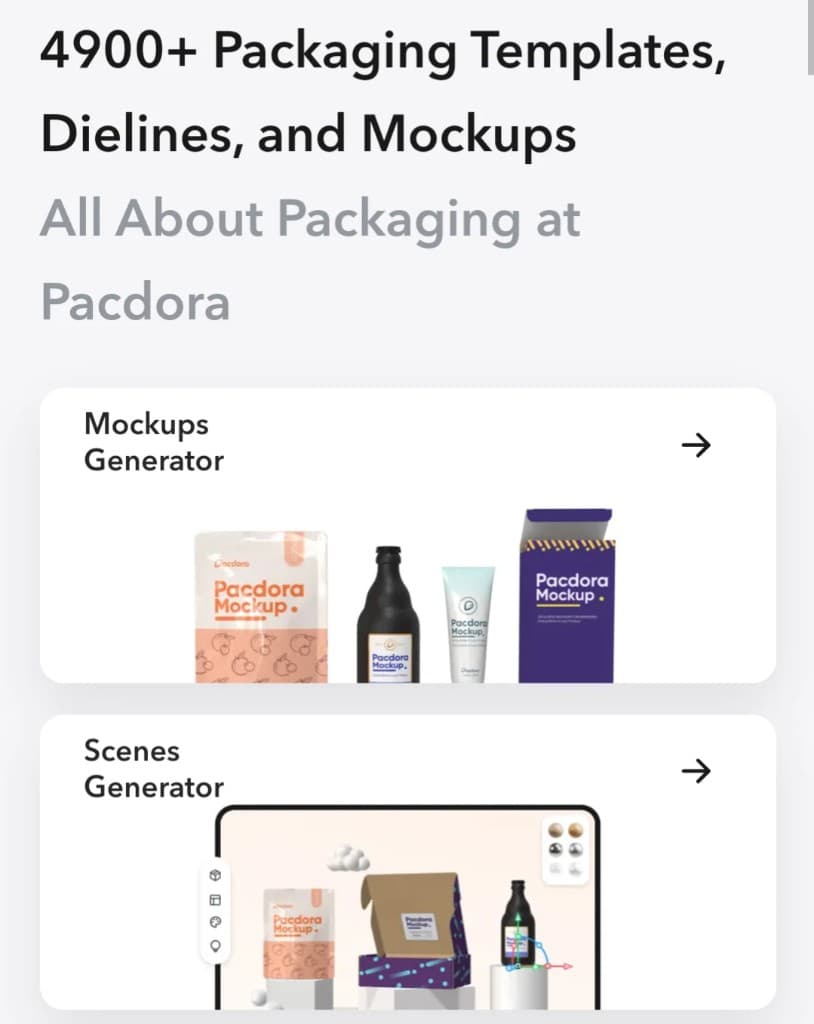
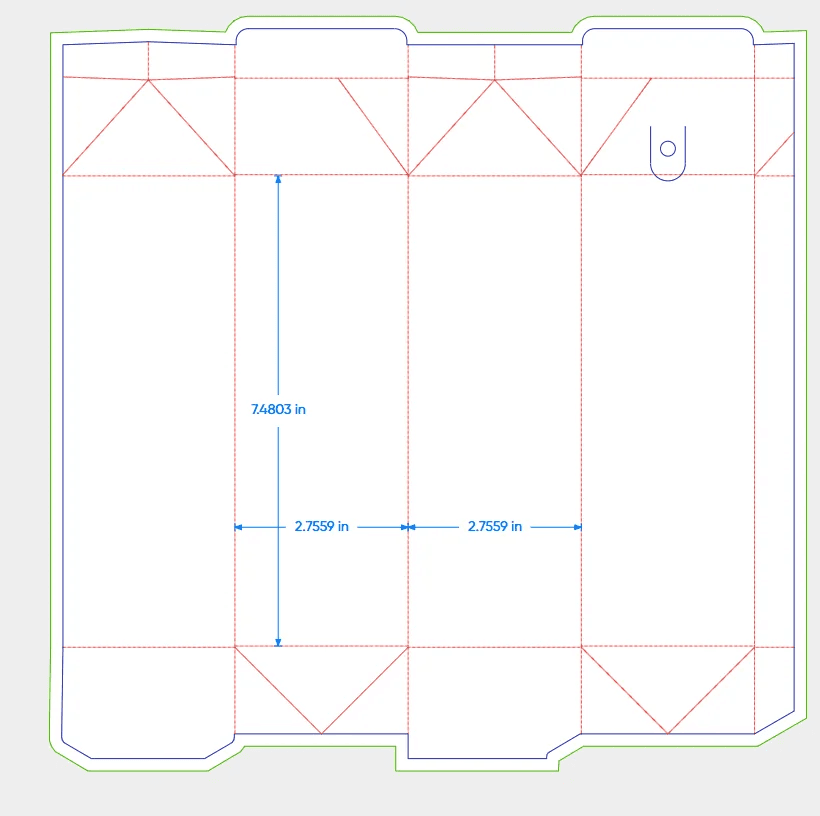
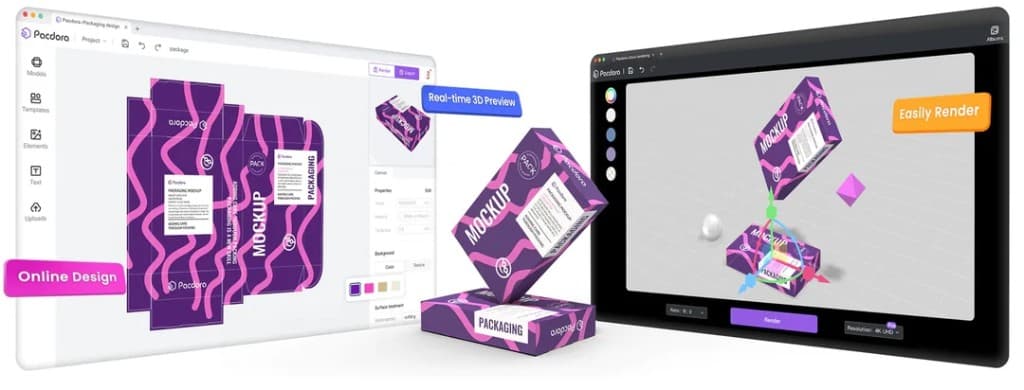
Pacdora sits at #1 because it is the rare tool that treats packaging as manufacturing, not just a pretty mockup. You get a packaging mockup generator, a packaging dieline generator, and light AI packaging design in one browser flow. That is why we call it the best packaging design software pick for 2026 founders, freelancers, and small CPG teams.
If you need to learn how to design product packaging that a printer can cut, fold, and fill—mailer boxes, cartons, pouches, even a labubu blind box-style toy carton—Pacdora is the shortlist winner. Pair it with a trusted barcode generator or upc generator for retail codes; Pacdora owns structure and the 3D packaging mockup, not GS1 compliance.
A lifestyle mockup alone will not save a bad structure. Pacdora’s edge is the packaging dieline generator tied to the same sizing you preview in 3D. Hide die lines when you export a clean mockup image for clients; keep them on for print files. That single habit prevents the classic beginner mistake of treating cut paths as decoration.
For retail packs you still place barcodes and QR codes from a barcode generator free source or a paid upc generator after the structure is locked. Pacdora helps the carton look right; your code library still owns scan quality.
Most freelancers land on Pro yearly. Confirm checkout totals after applying code DGET. Buy Business only when commercial or reseller rights matter. If your work is mostly social apparel mockups with no dieline, Placeit or Mockey may be enough—but for physical packaging, start here.
Pacdora earns Best Overall because it stacks the hard parts of packaging: structure, dielines, and a credible 3D packaging mockup. Lifestyle tools win Instagram; Pacdora wins the carton that has to survive a die cutter.
Placeit is our #2 because marketing teams live in mockups. Apparel, devices, billboards, and logo reveal videos ship faster here than in a full packaging stack. If Pacdora is the factory floor, Placeit is the storefront window.
It also doubles as a practical logo maker for early brand kits when you are not ready for a custom identity project.
Use Placeit after structure is locked in Pacdora, or when the product is digital/apparel-first. Pair logo exports with Canva for a business card maker pass, or send art to Printify when tshirt design needs fulfillment.
Placeit is the Best Marketing Mockups pick: fast, broad, and campaign-ready. Keep Pacdora for dielines; keep Placeit for the pitch deck and the ad.
Mockey earns Best Free Mockups by making high-volume template work affordable. The AI background remover is the sleeper feature: clean a product photo, then drop it into a mockup without opening Photoshop.
It will not replace Pacdora for a packaging dieline generator, but it is an excellent companion for apparel and lifestyle shots.
Start on Mockey when budget is tight and you need a mockup today. Graduate structure work to Pacdora the moment you are ordering real packaging.
Ask what has to leave the building: a printable carton, a social mockup, a tshirt design, or a business card. Pacdora wins when you need how to design product packaging with a real box dieline template. Placeit and Mockey win when the deliverable is a lifestyle mockup. Canva wins when you need a poster maker, business card generator, or wanted poster for a campaign.
A packaging mockup generator that also outputs a packaging dieline generator is different from a PSD-style scene. If a converter will cut your board, you need dielines. If a client only needs to approve a look, a mockup is enough. Mixing those two jobs is how teams reprint boxes.
None of these design tools should be your only barcode generator. Use a dedicated upc generator or barcode generator free tool for test codes, and a compliant source for production. The same rule applies to a qr code writer free workflow: generate the code separately, then place it in the quiet zone on your art. People also search barcode janret and barcode janretai background remover when they really mean barcode tools plus an AI background remover—Mockey covers the cutout step; keep codes elsewhere.
If you are googling how to write an envelope, how do you write envelope, or how to write from and to in envelope, you usually need layout clarity more than 3d modeling. Canva’s envelope templates show sender (from) at top-left and recipient (to) centered; keep return address smaller and leave space for postage. Pair that with a business card maker when the leave-behind matters as much as the mailer.
Printify is the fulfillment layer once art is ready. For logo maker and logo design experiments, Placeit, Canva, Adobe Express, and Renderforest all work—pick based on whether you also need video to gif loops. Artboard Studio and 3dmockup.co cover deeper 3d modeling when a static mockup is not enough.
Pacdora ranks #1 on this list for physical packaging: it combines a packaging mockup generator, box dieline template tools, and a packaging dieline generator with a usable 3D packaging mockup. Use Placeit or Mockey when you only need marketing scenes.
Yes. Pacdora handles structure and mockups. Retail packs still need a separate barcode generator, upc generator, or qr code writer free tool so codes meet quiet-zone and scan rules.
Buy Pacdora first if you are shipping cartons or learning how to design product packaging. Buy Placeit first if your bottleneck is lifestyle mockups, logo maker exports, and ad creative.
No. Canva is excellent as a business card generator, poster maker, and envelope layout tool, but it is not a substitute for manufacturing dielines. Use Pacdora for cut/crease structure.
Printify fulfills apparel and merch after you finish tshirt design. It does not replace a 3D packaging mockup or box dieline template for product cartons.
Put the from (return) address in the top-left. Center the to (recipient) address. Leave the top-right clear for postage. Canva envelope templates make this layout obvious if you searched how to write an envelope or how do you write envelope.
Mockey pairs an AI background remover with a large mockup library. That combo covers the common search intent behind barcode janretai background remover-style queries: clean the product shot, then place it in a scene.
Yes. 3dmockup.co and Mockey both offer free-friendly starts for a basic 3d model preview. Move to Pacdora when you need production dielines, and to Artboard Studio when you need cinematic 3d modeling scenes.