#1
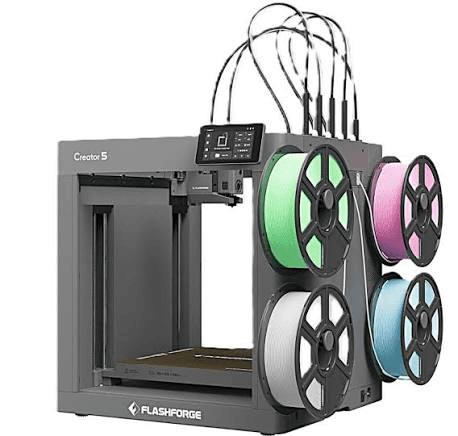
Creator 5
- Our Score
- 9.8/10
- Best For
- Near-zero waste multicolor
- Build Volume
- 256×256×256mm
- Max Speed
- 600mm/s
- Leveling
- Fully auto
- Enclosure
- Open
- Materials
- PLA/PETG/TPU/PETG-CF
- Notable Feature
- 4-tool FlashSwap
- Price Band
- Under $800
We compared beginner-friendly FDM printers under $800 the way new owners actually use them: setup time, first-layer success, speed that is usable day to day, multicolor options, and whether an enclosure is worth the money. Rankings reflect current specs, street pricing, and owner feedback as of July 2026. If you arrived after reading a Flashforge Creator 5 Review, use this ranking to judge whether that machine is truly beginner-friendly or simply feature-rich on paper.
Overwhelmed by options? We dug into the specs on each of these beginner printers and put the key differences side by side. Use this table to spot which models fit your desk, skill level, and budget, then read the full reviews below for more detail.
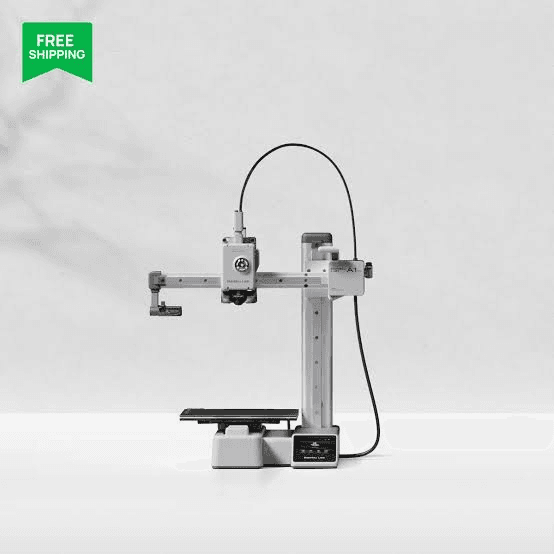

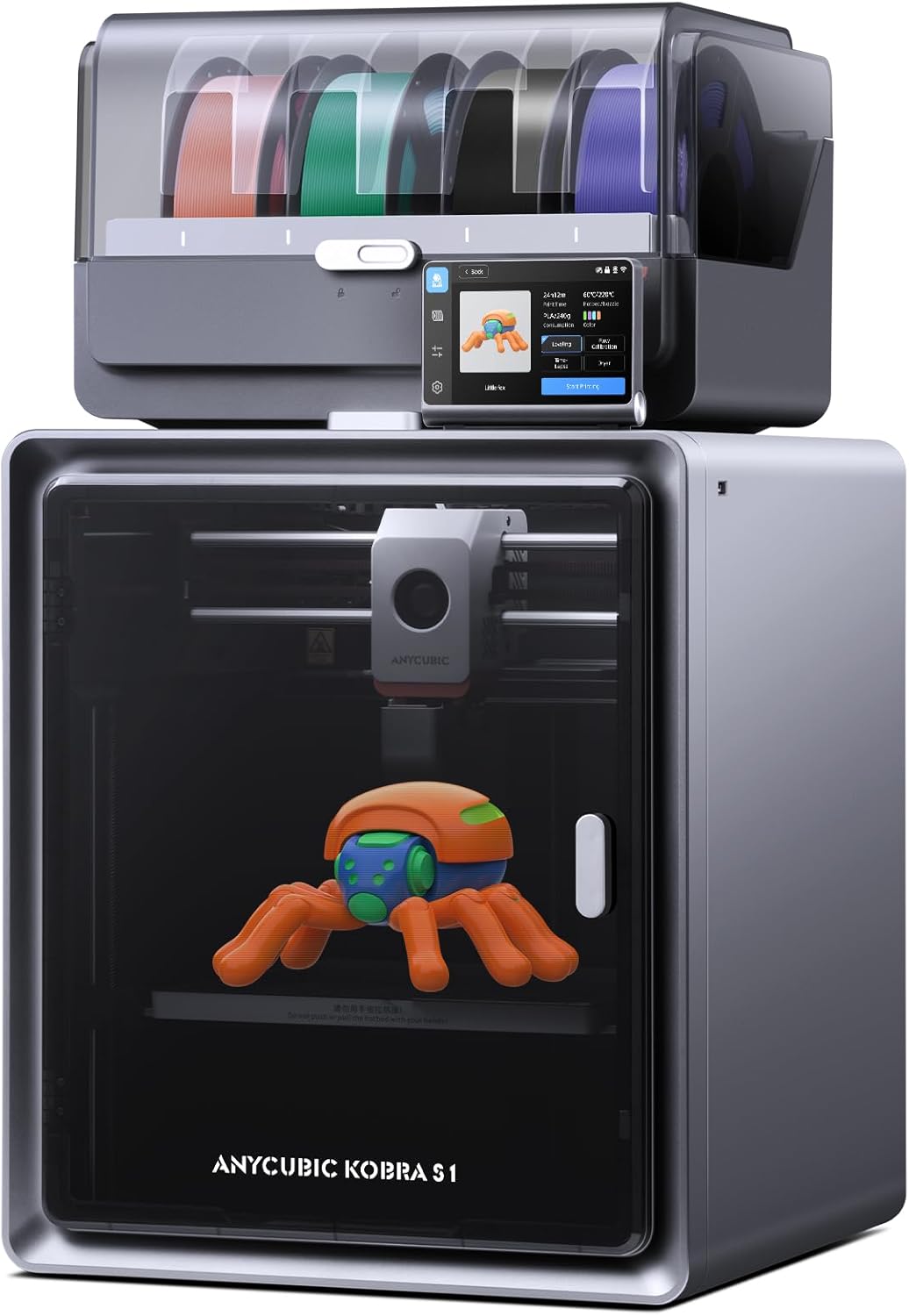


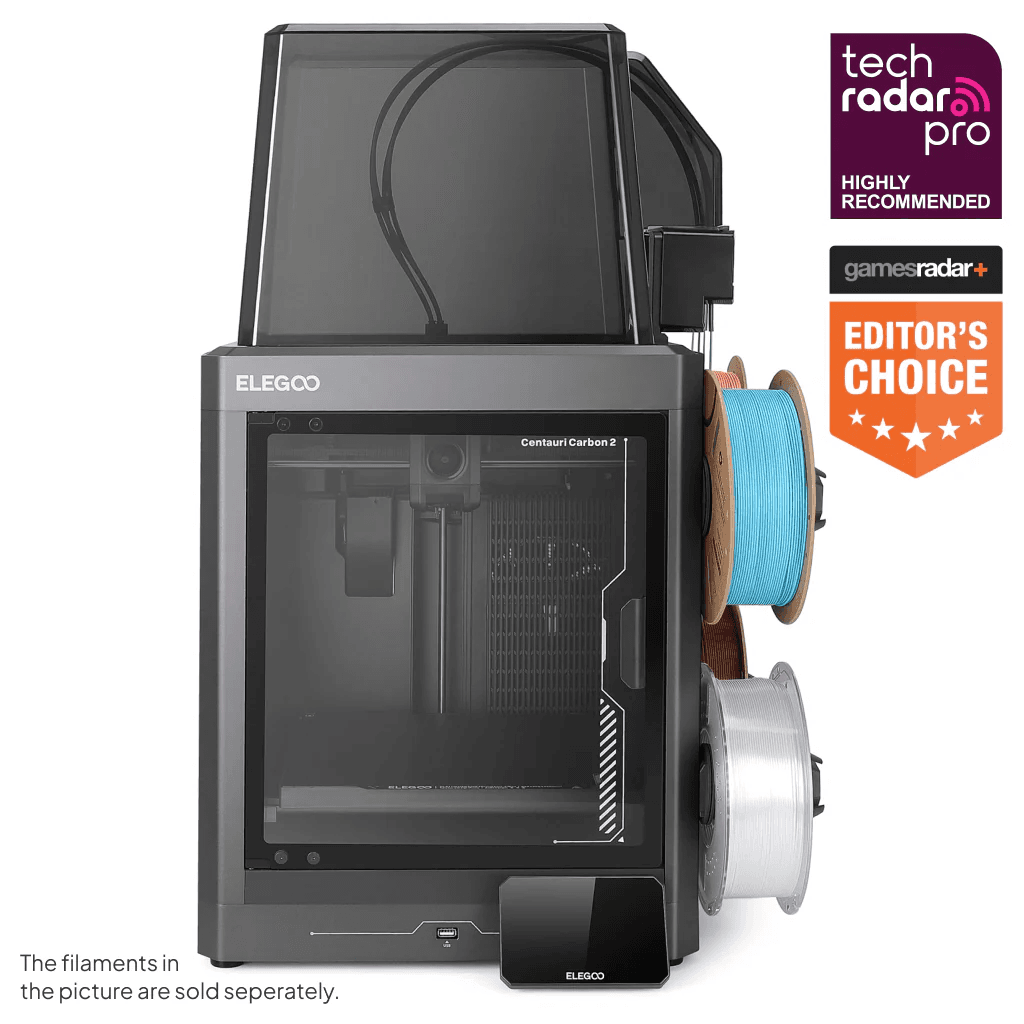
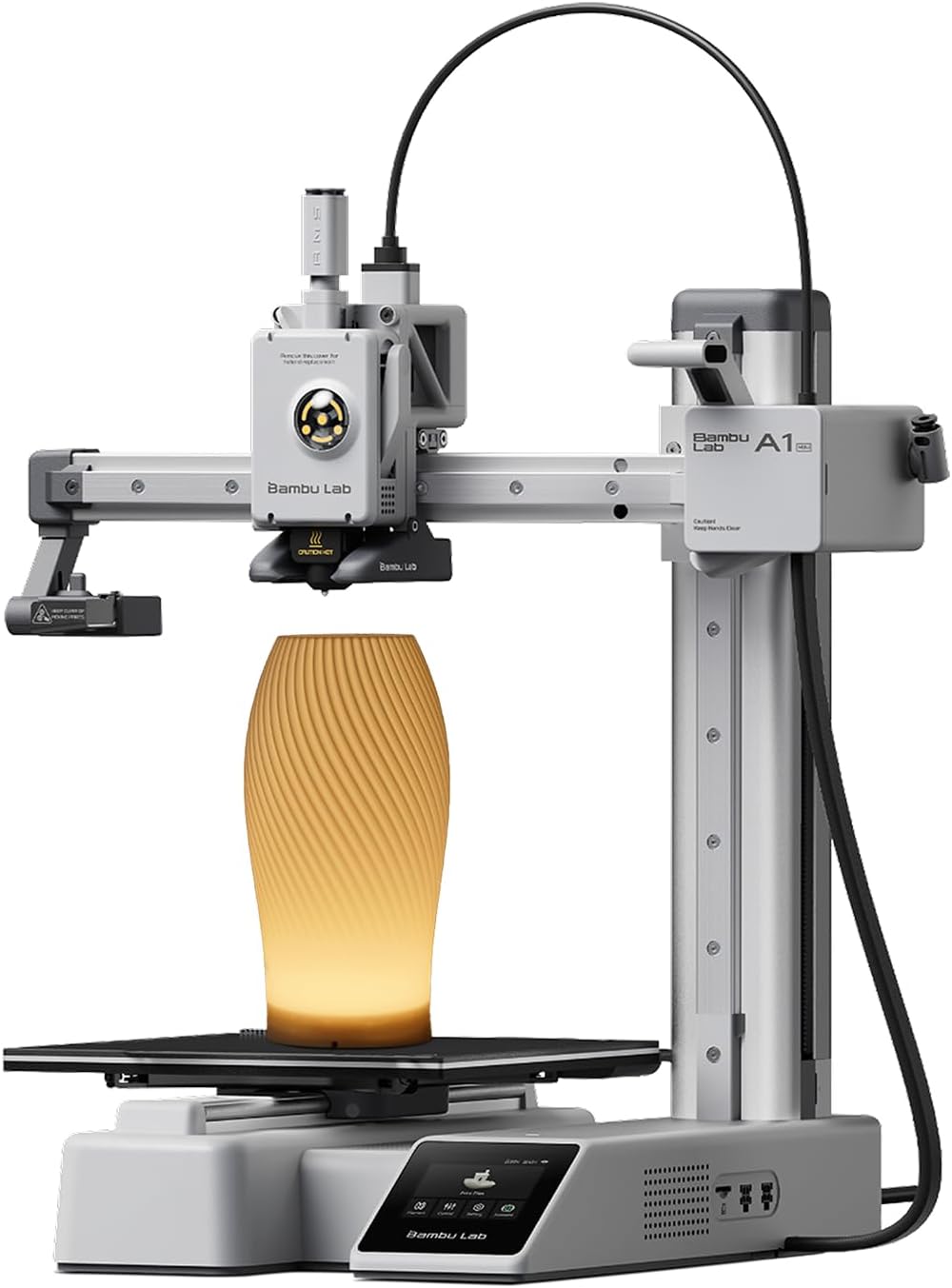
| Spec | | | | | | | | | | |
|---|---|---|---|---|---|---|---|---|---|---|
| Our Score | 9.8/10 | 9.2/10 | 10/10 | 8.9/10 | 9.6/10 | 9.5/10 | 9.4/10 | 9.3/10 | 9/10 | 8.7/10 |
| Best For | Near-zero waste multicolor | Enclosed AMS multicolor | First multicolor printer | Small reliable starter | Budget multicolor | Enclosed multicolor | Enclosed home printing | CoreXY on a budget | Enclosed 4-color CoreXY | Community-supported starter |
| Build Volume | 256×256×256mm | 256×256×256mm | 220×220×220mm | 180×180×180mm | 260×260×260mm | 250×250×250mm | 220×220×220mm | 220×215×245mm | 256×256×256mm | 225×225×265mm |
| Max Speed | 600mm/s | 600mm/s | 600mm/s | 500mm/s | 600mm/s | 600mm/s | 600mm/s | 500mm/s | 500mm/s | 500mm/s |
| Leveling | Fully auto | Full auto | 1-click auto | Full auto | 49-point auto | Auto | 1-click auto | Auto | 1-click full auto | Auto |
| Enclosure | Open | Yes + filter | Open | Open | Open | Yes | Yes + filter | Open | Yes + HEPA/carbon | Open |
| Materials | PLA/PETG/TPU/PETG-CF | PLA/PETG/ABS/ASA/TPU | PLA/PETG/TPU/CF blends | PLA/PETG/TPU | PLA/PETG/TPU/PVA | PLA/PETG/ABS/ASA/TPU | PLA/PETG/ABS/ASA/TPU | PLA/PETG/TPU/ABS | PLA/PETG/ABS/ASA/TPU/CF | PLA/PETG/TPU/ABS |
| Notable Feature | 4-tool FlashSwap | AMS 2 Pro ready | 4-color IFS | Quiet auto-cal | ACE Gen2 in-head | Filament dryer | HEPA + carbon filter | CFS-ready | CANVAS 4-color | Large community |
| Price Band | Under $800 | Under $800 | Under $800 | Under $800 | Under $800 | Under $800 | Under $800 | Under $800 | Under $800 | Under $800 |
The rankings above are a scorecard. Below we dig into the three printers we would actually hand to a first-time buyer under $800: how setup feels on night one, what fails first, how noisy they get, and whether multicolor or an enclosure is worth paying for.
Each write-up follows the same structure: what we like, what we do not, then a deeper look at print quality, daily use, and who should buy it.
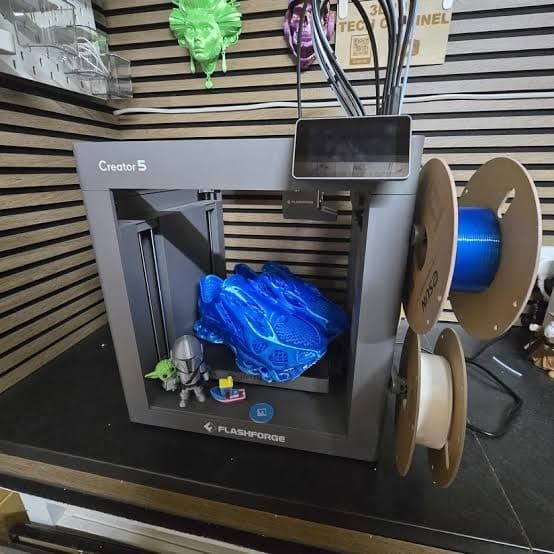
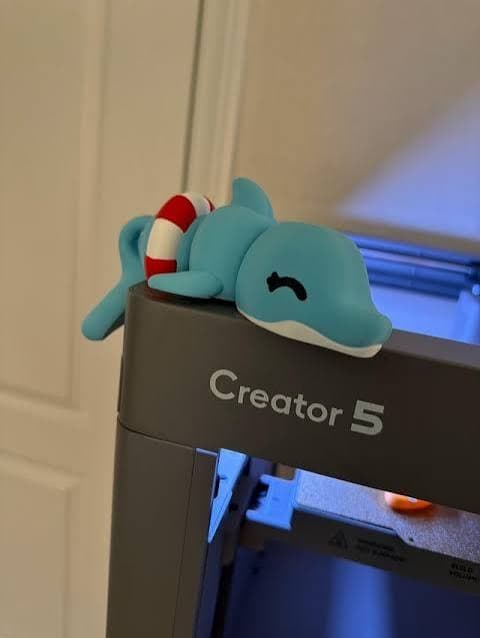
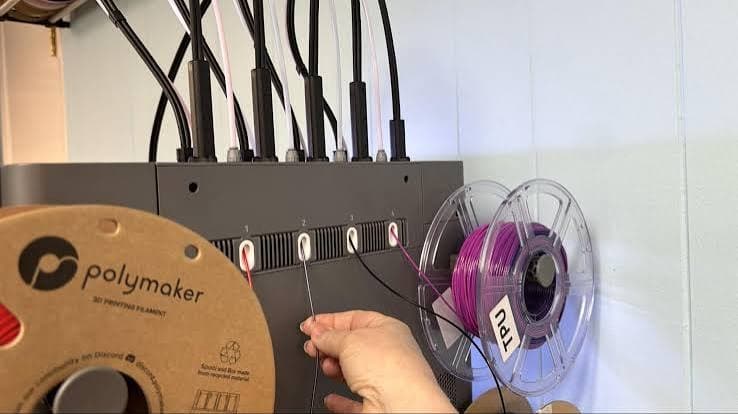
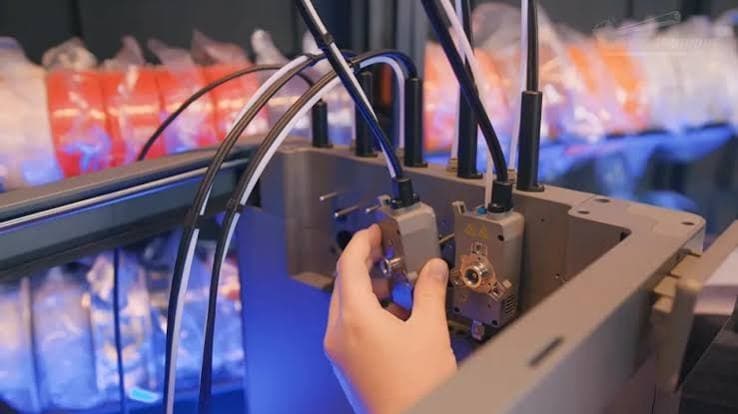
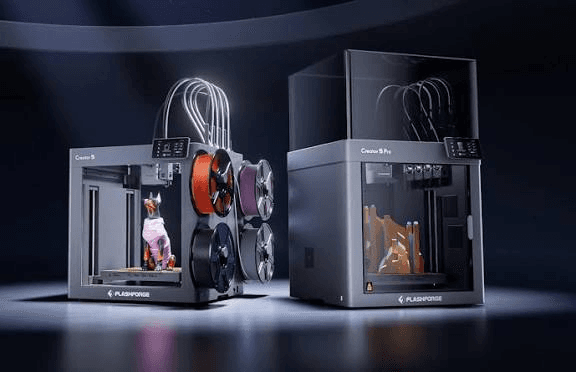
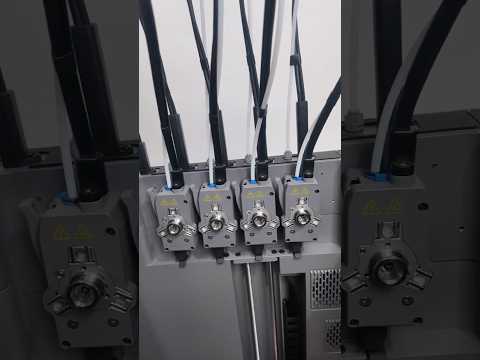
The Creator 5 is the Best Overall multicolor pick on this list: four independent FlashSwap toolheads, near-zero purge waste, CoreXY motion, and fully automatic calibration in an open frame under $800.
Instead of parking a filament box beside the printer and burning plastic on every color change, it swaps preheating toolheads in about seven seconds and keeps multicolor prints cleaner and cheaper to run.
At everyday speeds the Creator 5 produces clean PLA and PETG parts, and multicolor jobs look sharper because each color keeps its own nozzle instead of flushing through one hotend.
Pushing absolute max travel speed on tiny detailed models is still a bad beginner habit. Keep a reliable profile for daily work and save sprint settings for large, simple shapes.
Setup is longer than a single-extruder Adventurer, but still beginner-friendly: unbox, run auto leveling and toolhead offset calibration, load filaments, print a test model.
After that, your routine is filament dryness, plate cleaning, and keeping toolhead docks clear. If you later need ABS or ASA in a sealed chamber, look at enclosed Flashforge options on this same list.
Choose the Creator 5 when you want real multicolor and multi-material printing without paying toolchanger prices north of $1,000.
Most beginner multicolor printers still share one nozzle. That means purge towers, muddy color transitions, and filament you pay for but never keep on the model. Creator 5 changes the equation: four independent FlashSwap toolheads swap in seconds, so each color stays clean and waste drops toward zero.
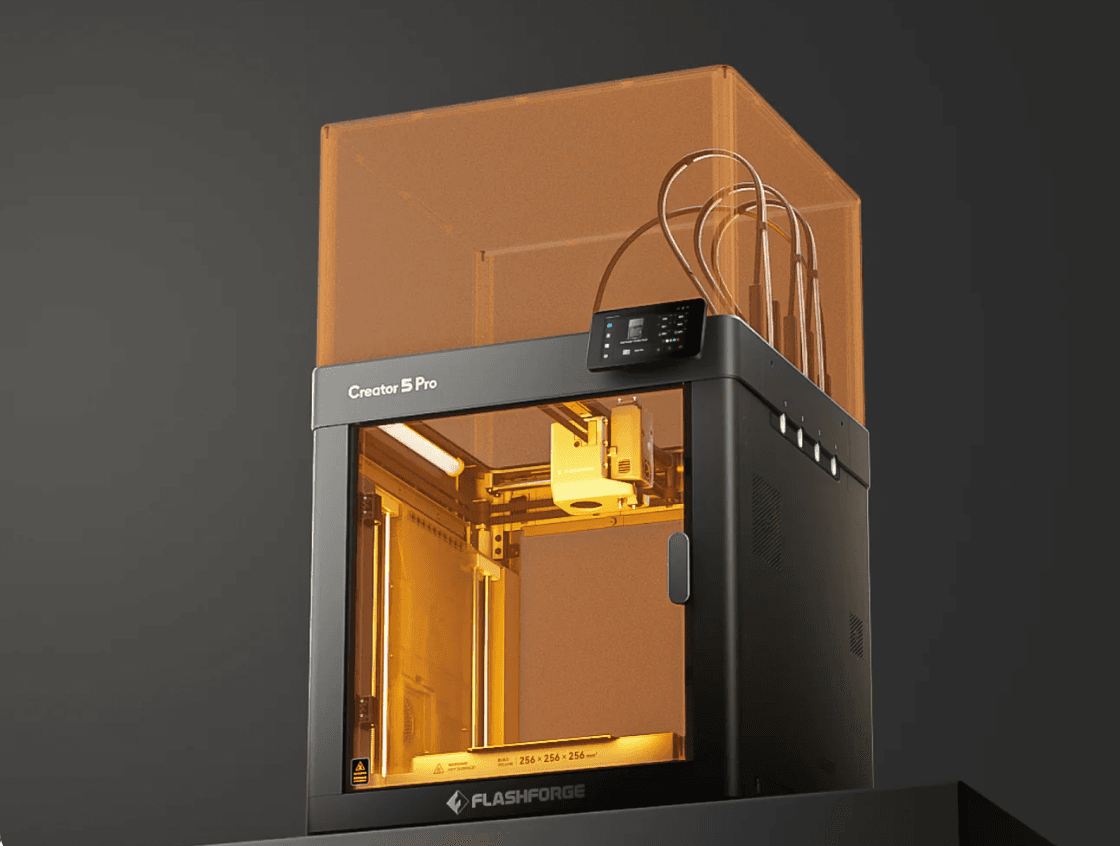
That matters on a first machine because running cost and frustration decide whether you keep printing after week two. You get CoreXY speed, full auto calibration, and a 256mm cube bed under $800—without learning a second AMS box or accepting purge waste as normal. If you later want a sealed chamber for ABS or ASA, the Creator 5 Pro is the same toolchanger idea with an enclosure.
The Creator 5 wins Best Overall by delivering a four-toolhead changer under $800 instead of forcing beginners into wasteful single-nozzle multicolor. If you only need a simpler filament-system multicolor setup, the AD5X is still an excellent Best Value alternative.
If you're leaning toward this pick, check Amazon street pricing first, then head to the Flashforge official store and enter CREATOR30 at checkout — it takes an extra $30 off both the Creator 5 and Creator 5 Pro. Confirm the discount shows before you pay so you're getting the better deal.
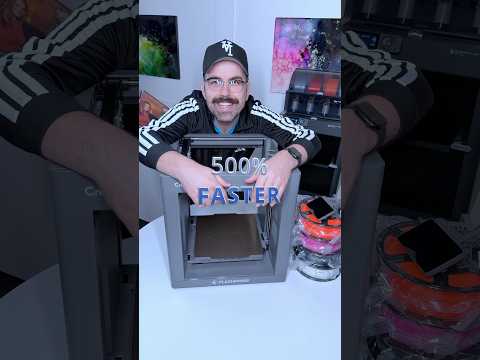
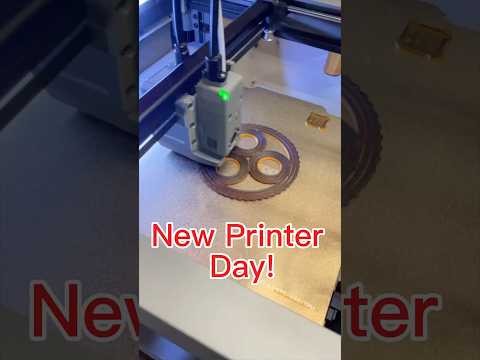
Real-world clips from owners and testers showing how this model performs in everyday use.
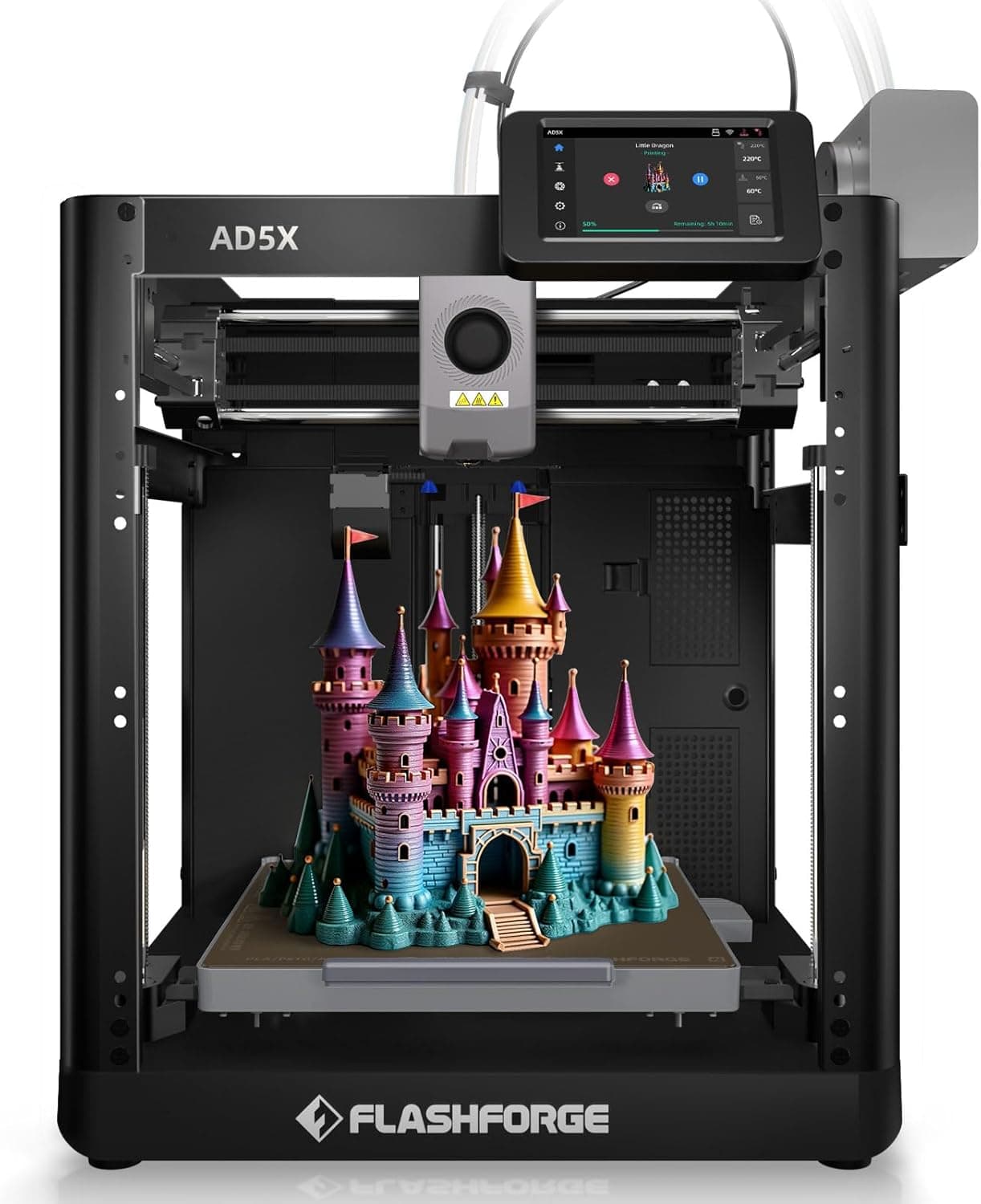
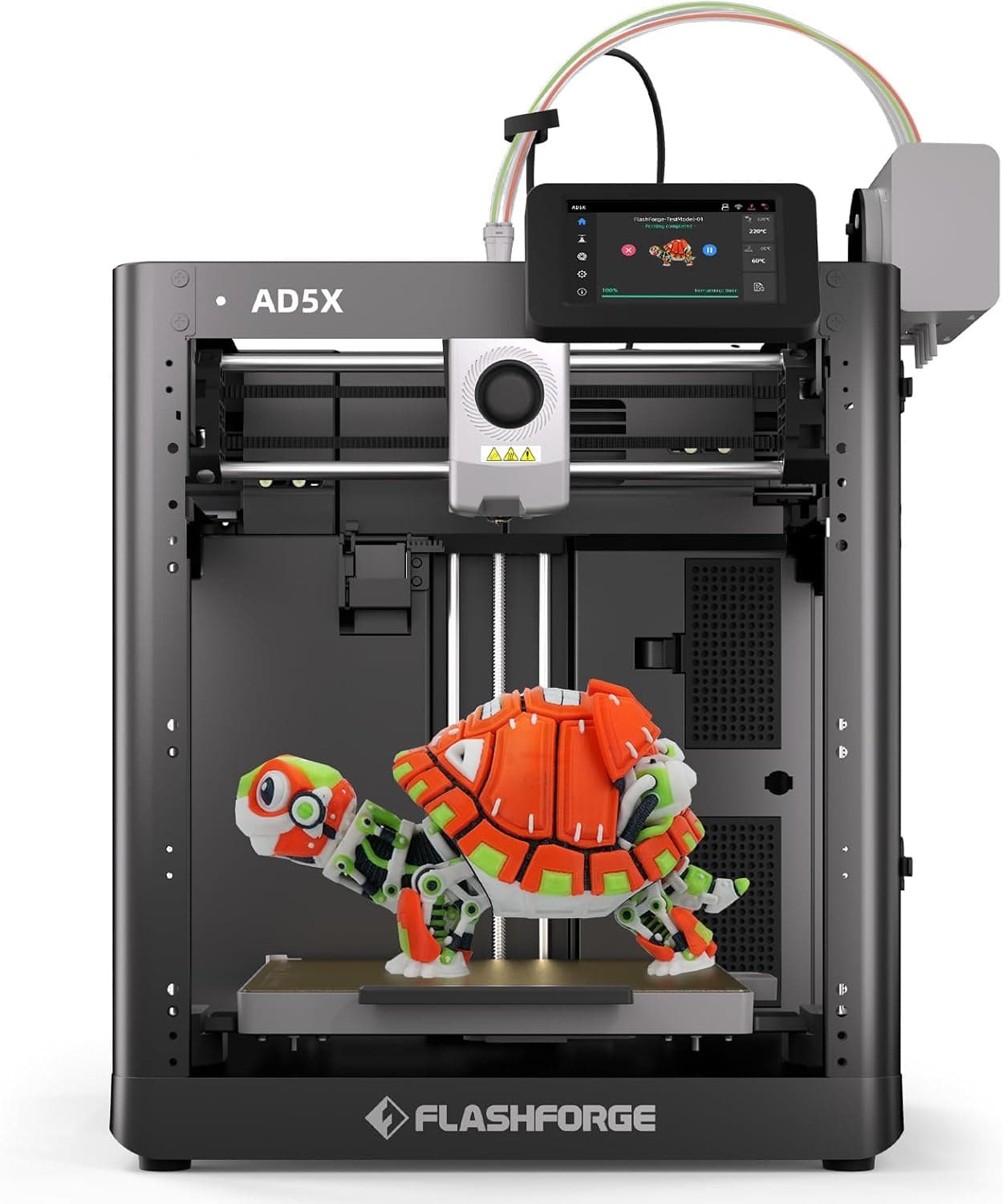
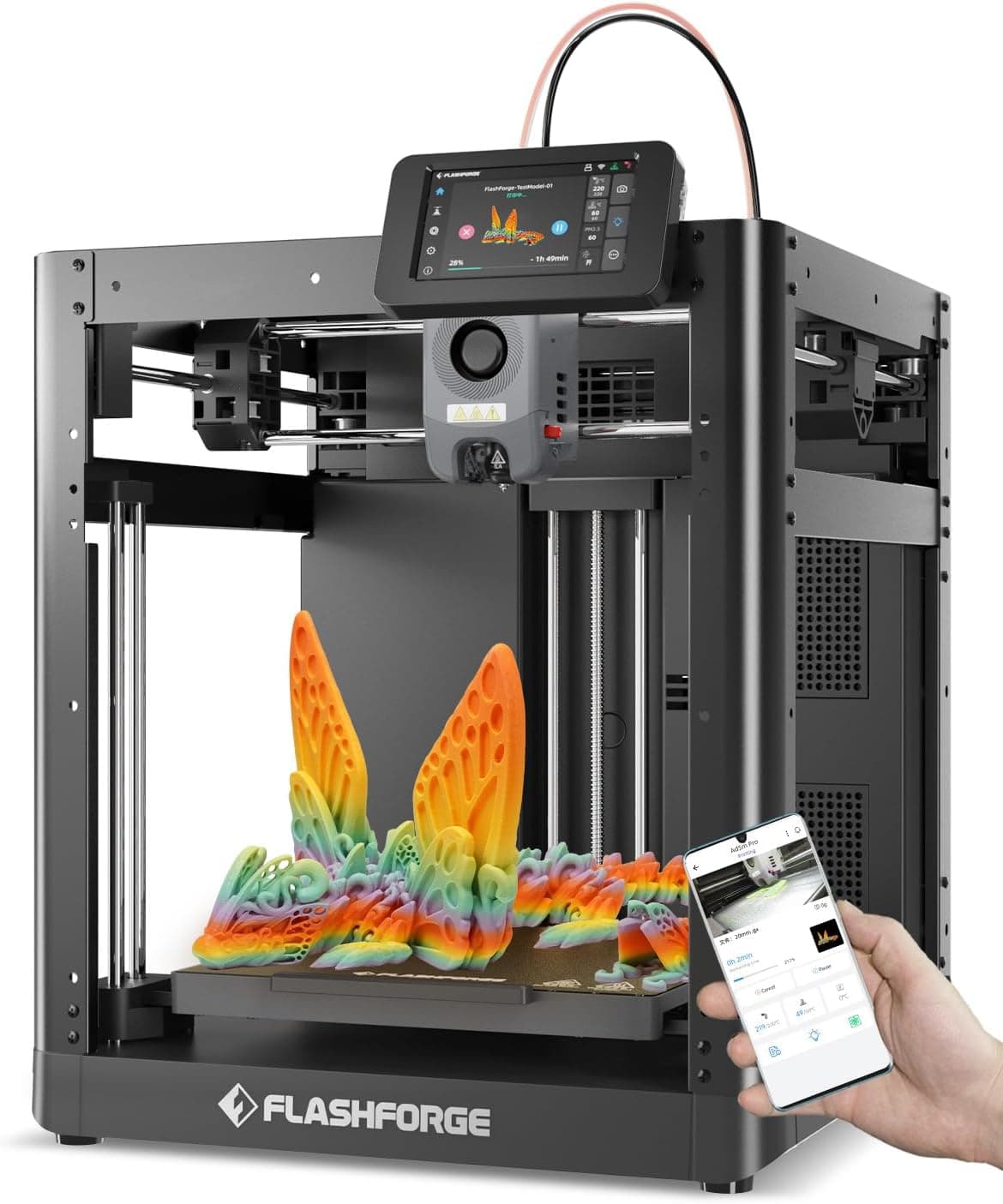
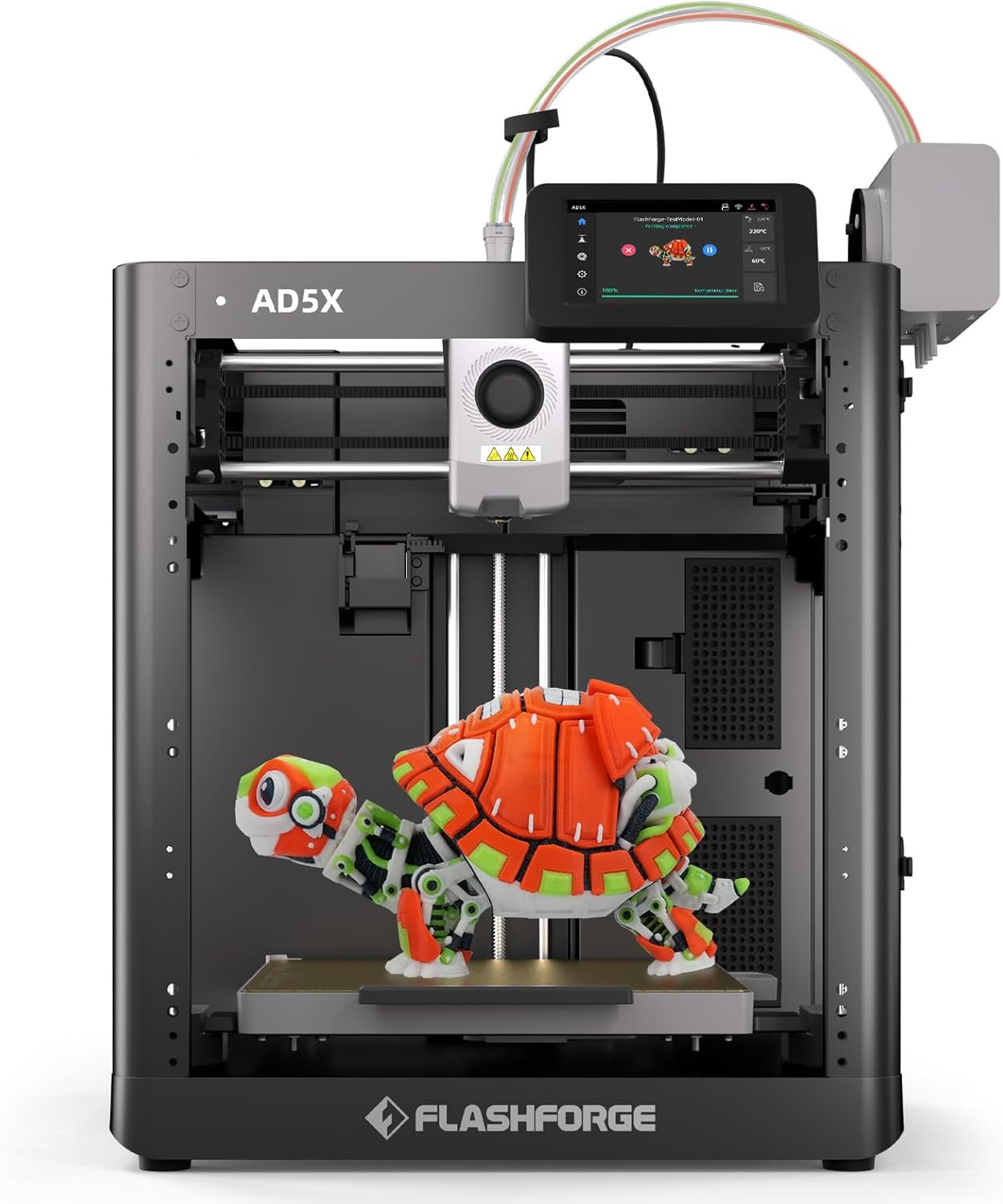
The Flashforge AD5X is the beginner printer that finally makes multicolor feel normal instead of like a science project. You get CoreXY speed, one-click leveling, and a built-in four-color filament system without parking a second box beside the machine.
That mix is why it sits at Best Value on this under-$800 beginner list for 2026: it covers the first year of hobby printing, from single-color PLA toys to multi-color desk models, without asking you to learn bed-mesh math on day one.
For beginners, print quality is mostly about first layers and whether the machine recovers when you mess up a setting. The AD5X auto-levels cleanly and holds dimensional accuracy well on the usual calibration cubes and Benchy-style models.
Speed marketing numbers always look bigger than real life. In practice, running mid-range speeds with stock profiles gave cleaner walls than slamming every job at the absolute max.
Multicolor is the headline. It is slower than single-color and uses more filament, but the results are what keep new owners printing instead of returning the box.
Day to day you will live in the slicer and the Flash Maker app more than the touchscreen. Keep PLA dry, wipe the PEI plate, and check that filament paths stay clear when you change colors.
Maintenance is light: nozzle swaps are quick, and the CoreXY layout does not ask you to retension belts every weekend the way older bed-slingers did.
Buy the AD5X if you want one beginner machine that can grow with you for a couple of years.
Plenty of starter printers do one thing well. The AD5X earns Best Value because it stacks speed, auto leveling, and real multicolor under $800. If you only need tiny PLA figures, a mini is cheaper. For most first-time buyers who want room to grow, it is still an easy recommendation.
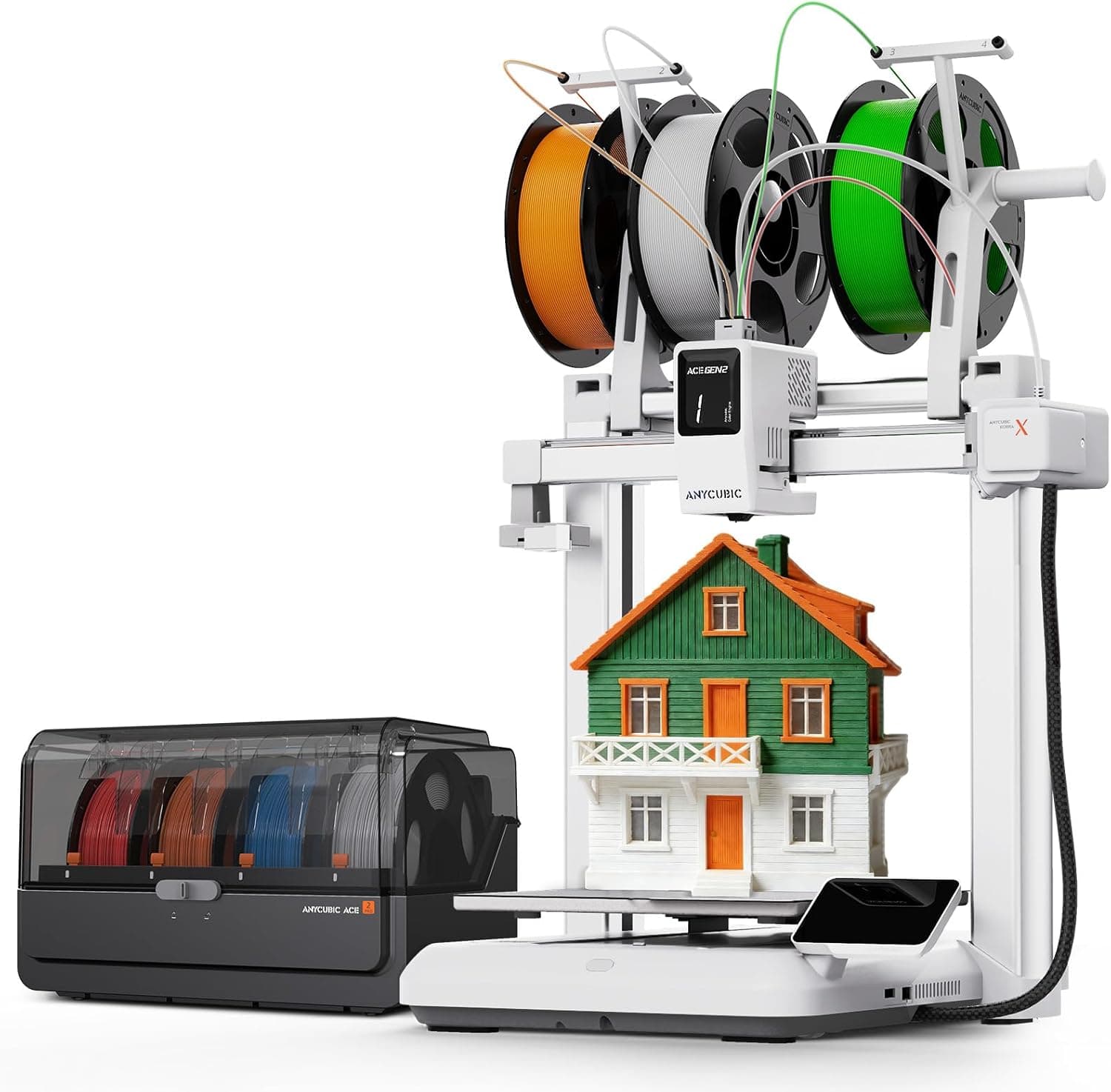
The Anycubic Kobra X is aimed at the beginner who keeps seeing multicolor prints online and wants in without buying a premium enclosed flagship. The trick is an in-head color system that cuts a lot of the purge waste older side-box setups burned through.
A 260mm cube build volume and auto leveling make it feel bigger and safer than classic mini toys, which is why it is our Editor's Choice on this beginner shortlist.
Single-color PLA looks sharp at moderate speeds. Multicolor quality depends heavily on your purge settings and model design; beginners should start with simple two-color parts before diving into four-color characters.
The bigger bed is genuinely useful for organizers, cosplay bits, and batch printing small parts in one job.
Expect a short learning curve on color swaps and filament mapping in the slicer. Once that clicks, daily use is mostly app monitoring and keeping spools dry.
Because the color hardware sits in the head, keep an eye on maintenance schedules and nozzle condition more closely than on a plain single-extruder mini.
The Kobra X fits beginners who want multicolor and a larger bed without jumping past the $800 cap.
Editor's Choice goes to the Kobra X for beginner multicolor with a usable build volume under $800. It is not the simplest machine on this list, and it is not enclosed. If those two trade-offs are fine, it is one of the most exciting first printers you can buy right now.
Most beginners print PLA toys, organizers, game pieces, and replacement brackets. That means you care more about easy leveling and reliable first layers than about a 350°C hotend on day one.
If your goal is multicolor character models, prioritize a machine with a real filament system or toolchanger. If you just need strong single-color parts fast, a simple open CoreXY is enough.
Open printers are cheaper, easier to watch, and fine for PLA. Enclosed printers keep heat in, cut drafts, and handle ABS or ASA with fewer warped corners.
For a bedroom or classroom, an enclosed filtered machine like the Adventurer 5M Pro is calmer. For a garage or workshop, open frames are usually fine.
Manual paper leveling taught a generation of makers patience. It also made a lot of people quit. Every printer on this list can auto-level. Use that.
You may still tweak Z-offset once. That is normal. You should not be turning four bed knobs before every print in 2026.
Keep the printer under $800, then leave money for PLA, a dry box, spare nozzles, and a few failed prints. Failures are how you learn.
Multicolor looks amazing and burns filament during purges. Factor that into running cost before you chase four-color prints exclusively.
A beginner printer is only as friendly as its profiles. Flashforge, Anycubic, Bambu, and Creality all ship usable starter profiles now.
If the stock slicer feels awkward, Orca Slicer is a common free next step once you know the basics.
PLA. It prints cooler, smells less than ABS, and sticks to PEI plates without drama. Learn PLA first, then try PETG, then worry about ABS or nylon.
Not for PLA. Get an enclosure if you want quieter printing, fewer drafts, or materials like ABS and ASA. Otherwise an open CoreXY is simpler.
Yes if colorful models are why you bought a printer. No if you mostly need functional parts. Multicolor adds cost, filament waste, and more ways to jam.
Plan for the printer plus spool clearance and a laptop. Minis fit a nightstand. AD5X and Kobra-class machines want a real table that does not wobble.
With adult setup and supervision, yes. Enclosed machines with filters are calmer for shared rooms; keep hot nozzles and moving axes out of reach during prints.
Because that is where most first machines should live in 2026. Above that you are usually paying for bigger build volume, denser ecosystems, or pro workflows, not beginner basics.
Editorial Methodology
Last reviewed: 2026-07-23
We compare beginner printers the way new owners shop: setup friction, first-layer success, usable speed, and whether extras like multicolor or an enclosure are worth the money under $800. Rankings are updated as prices and specs change.
We compare published product details, real buying tradeoffs, warranty or support signals, and long-term ownership friction — not marketing claims in isolation. Prices and availability can change, so verify the final details with the retailer before purchasing.